> For the complete documentation index, see [llms.txt](https://docs.hyperflash.xyz/llms.txt). Markdown versions of documentation pages are available by appending `.md` to page URLs; this page is available as [Markdown](https://docs.hyperflash.xyz/introduction-to-hyperflash/connecting-to-exchanges.md).
# Connecting to Exchanges
Connect a wallet to authorize trading on supported decentralized exchanges. Your funds remain in full self-custodi at all times.
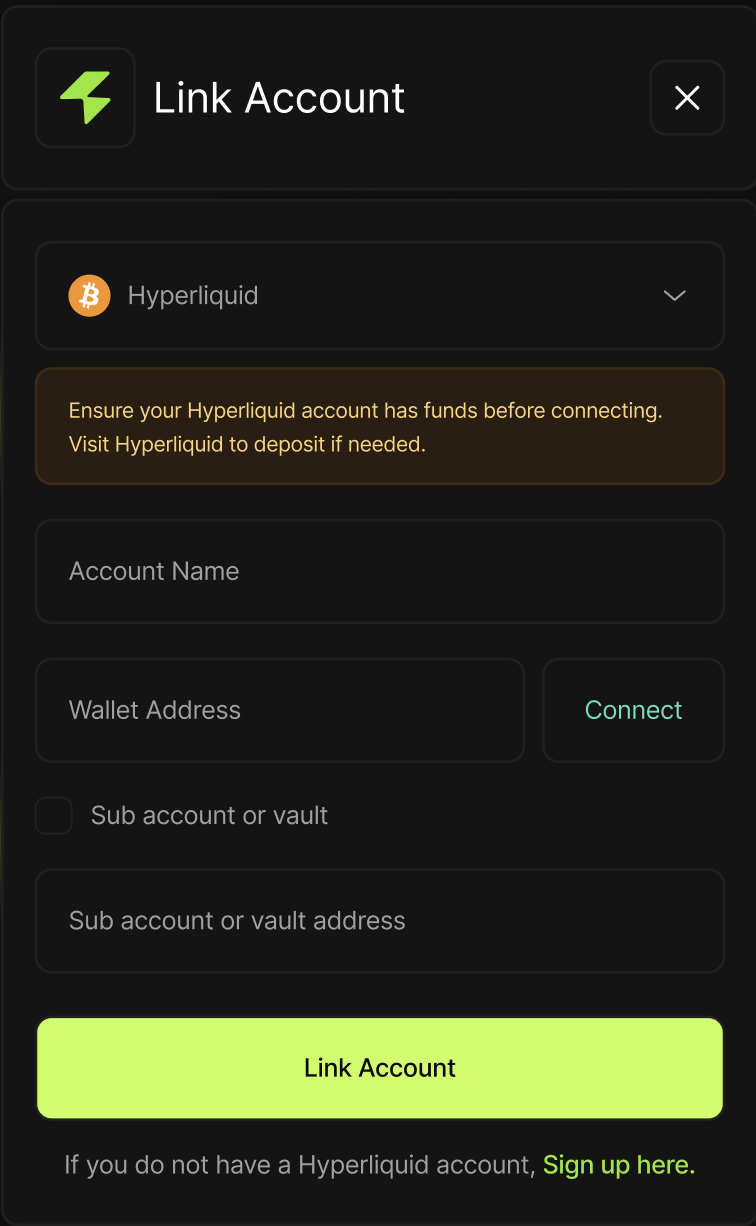
### Step 1 — Select an Exchange
Choose an Exchange to Connect
Select the decentralized exchange where you want to deploy your trading bots. Each exchange requires a separate wallet authorization.
Supported Exchanges
* Hyperliquid
Note\
Some exchanges may require additional approvals depending on their architecture.
***
### Step 2 — Connect Trading Wallet
Connect a Trading Wallet
Connect the wallet that will be used to place and manage orders on this exchange.
#### Note
* This wallet will be used only for trading actions.
* You can connect multiple wallets across different exchanges.
***
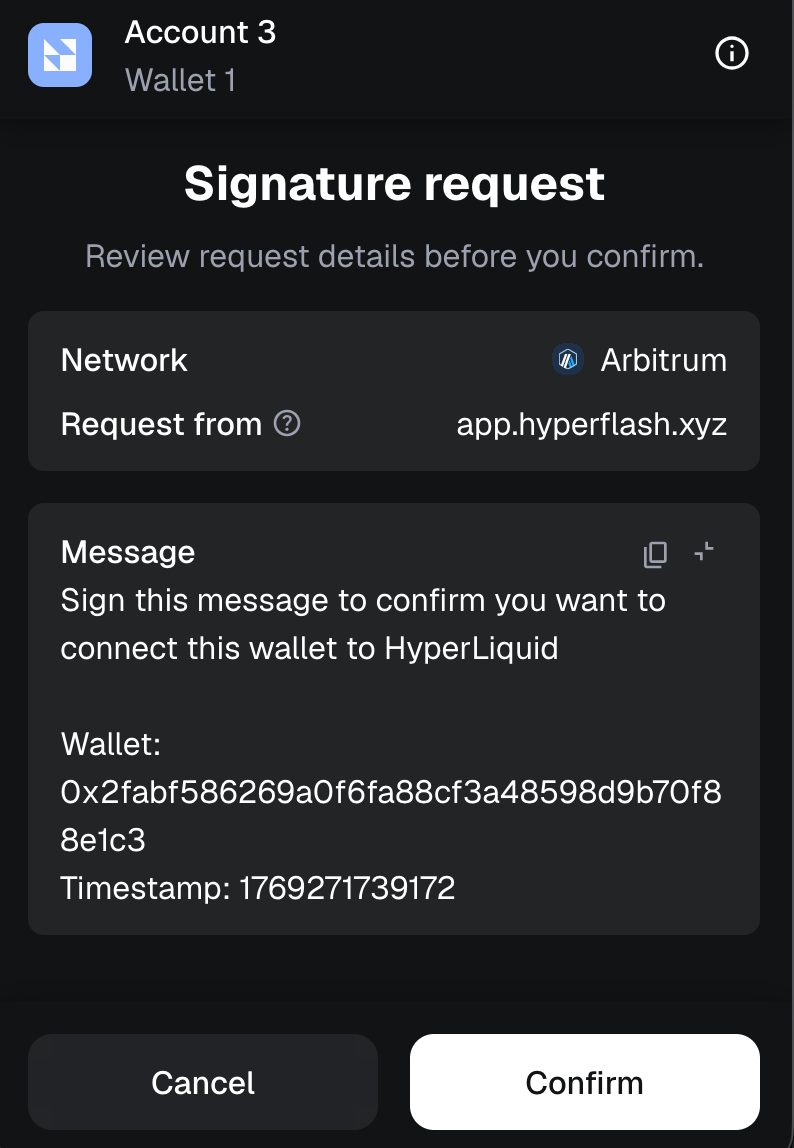
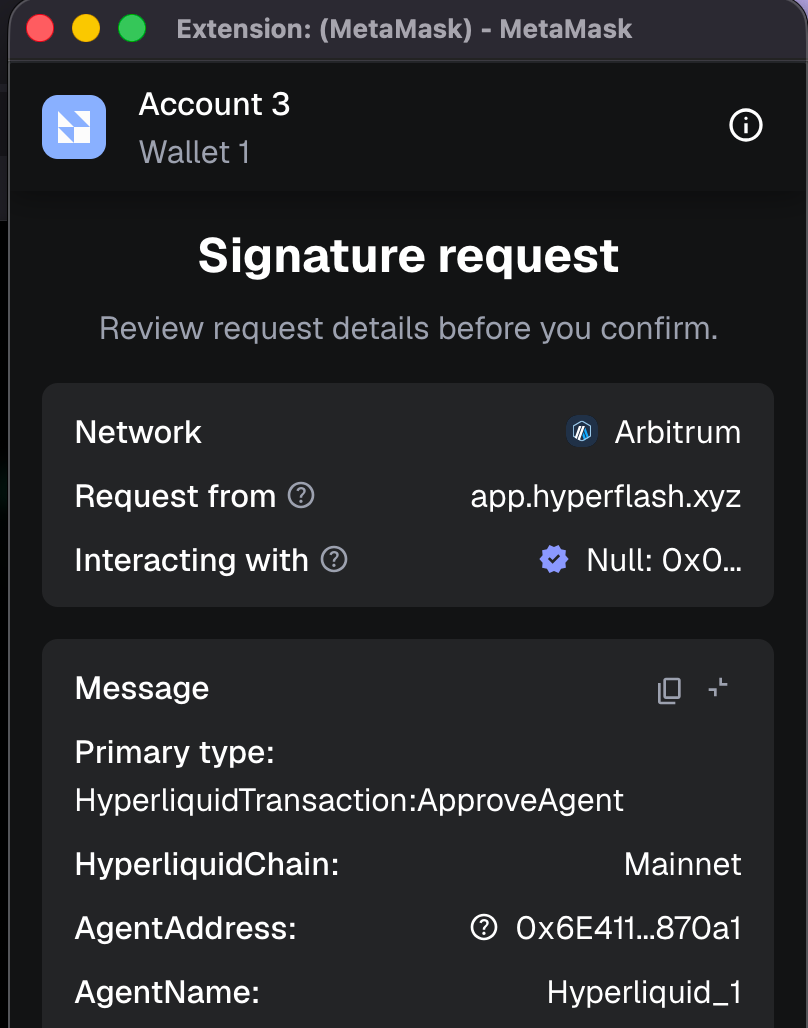
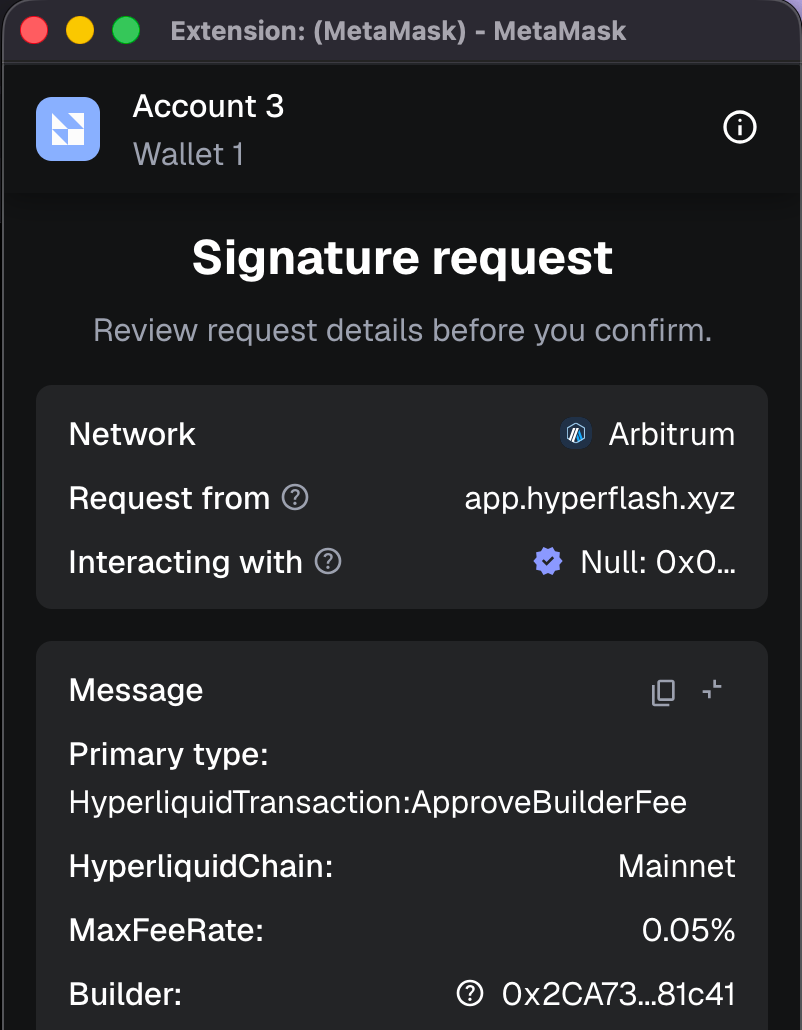
### Step 3 — Approve Trading Permissions
Approve Permissions
To enable trading, you must approve limited permissions for this wallet.
You are allowing:
* Connecting to Exchange (eg, Hyperliquid)
* Agent Approval (to place trade orders)
* Builder Fee Approval (approve trade fees)
You are NOT allowing:
* Withdrawals
* Transfers of funds
* Ownership or admin access
***
### Connected State
Exchange connected successfully.
You can now deploy bots on this exchange.